Menu
Menu
—————————————————————
TALK UPLOAD INSTRUCTIONS
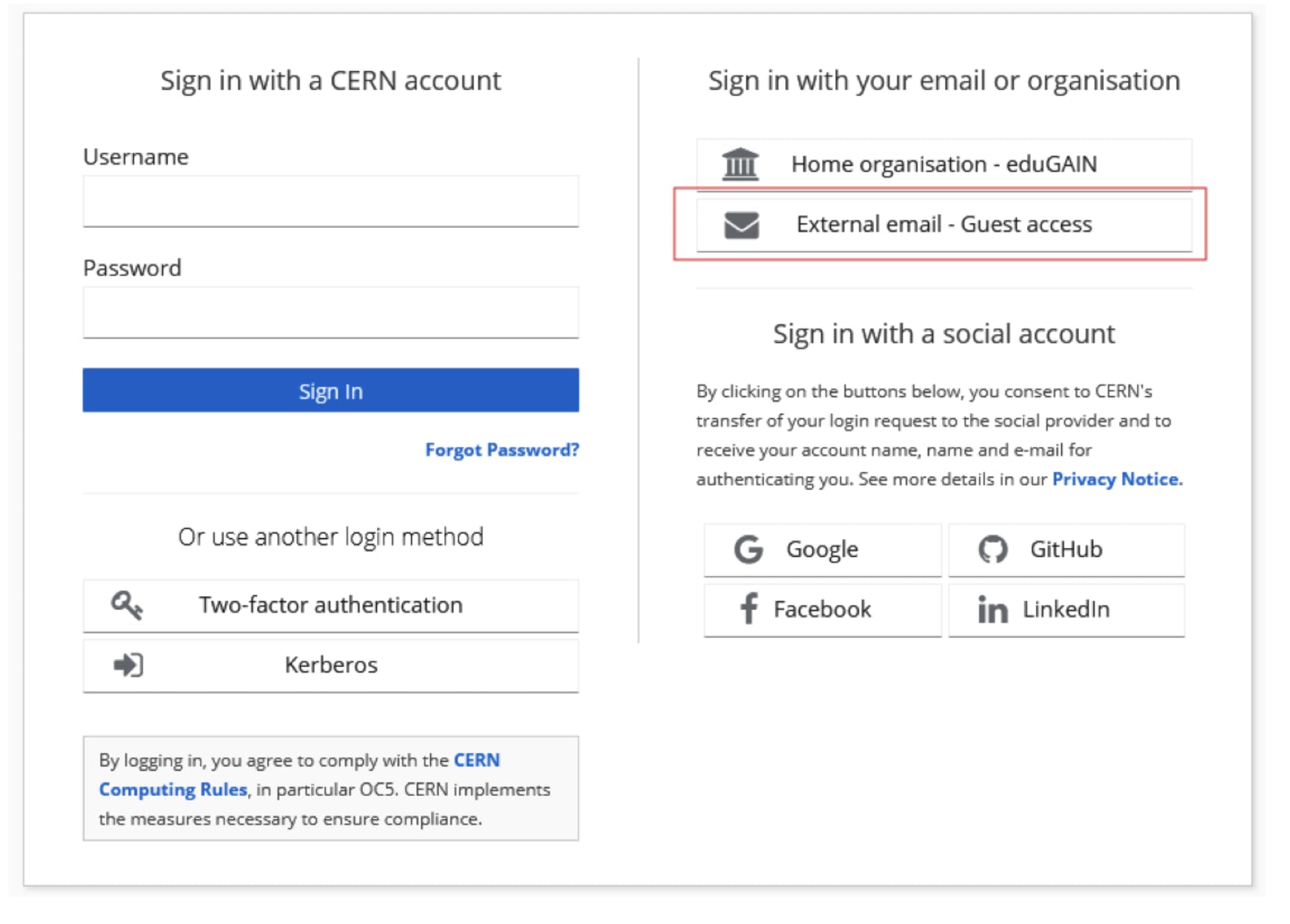
CREATE ACCOUNT
If you don’t have an account, see instructions here
UPLOAD
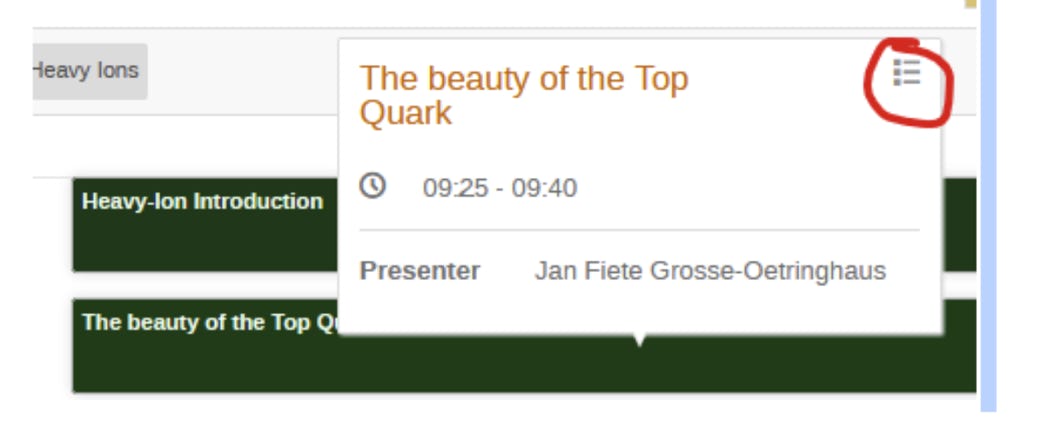
Go to the time table and find your contribution. Click on it, and click the button in the top-right corner:
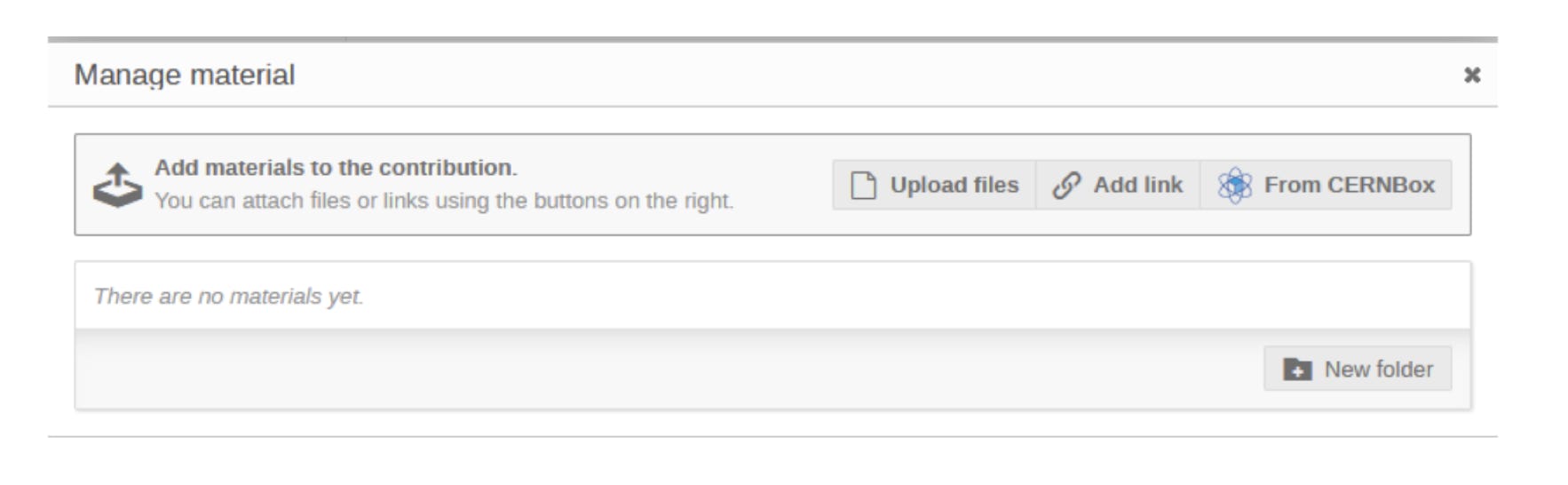
Click the pencil next to “Presentation Materials”:
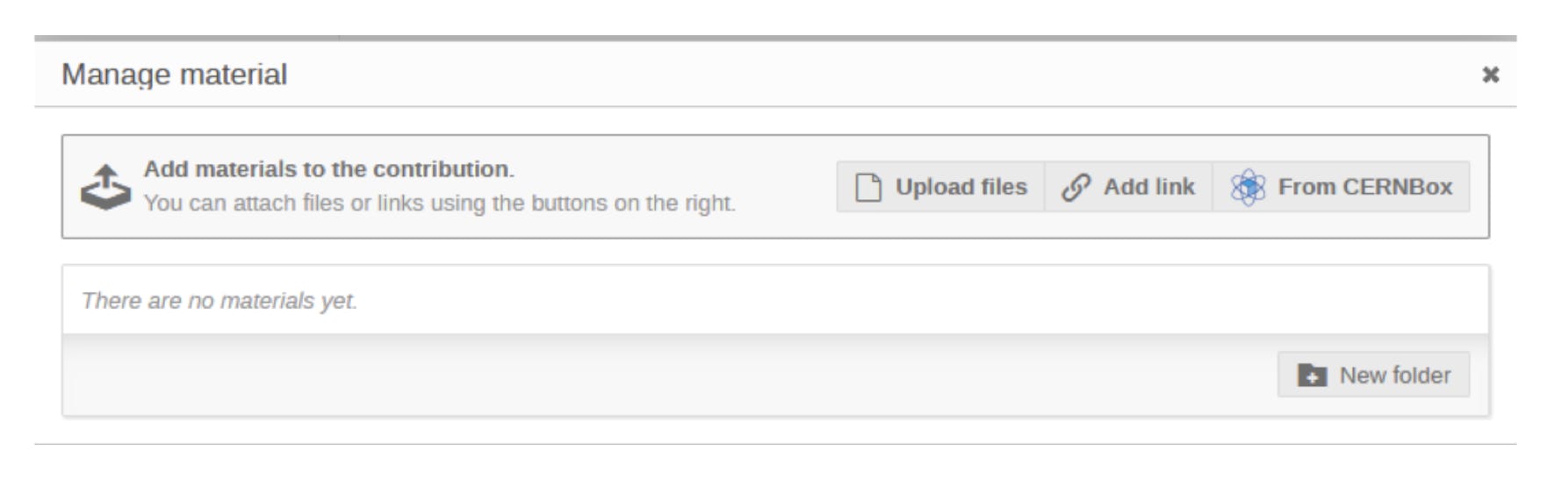
Click “Upload files”:
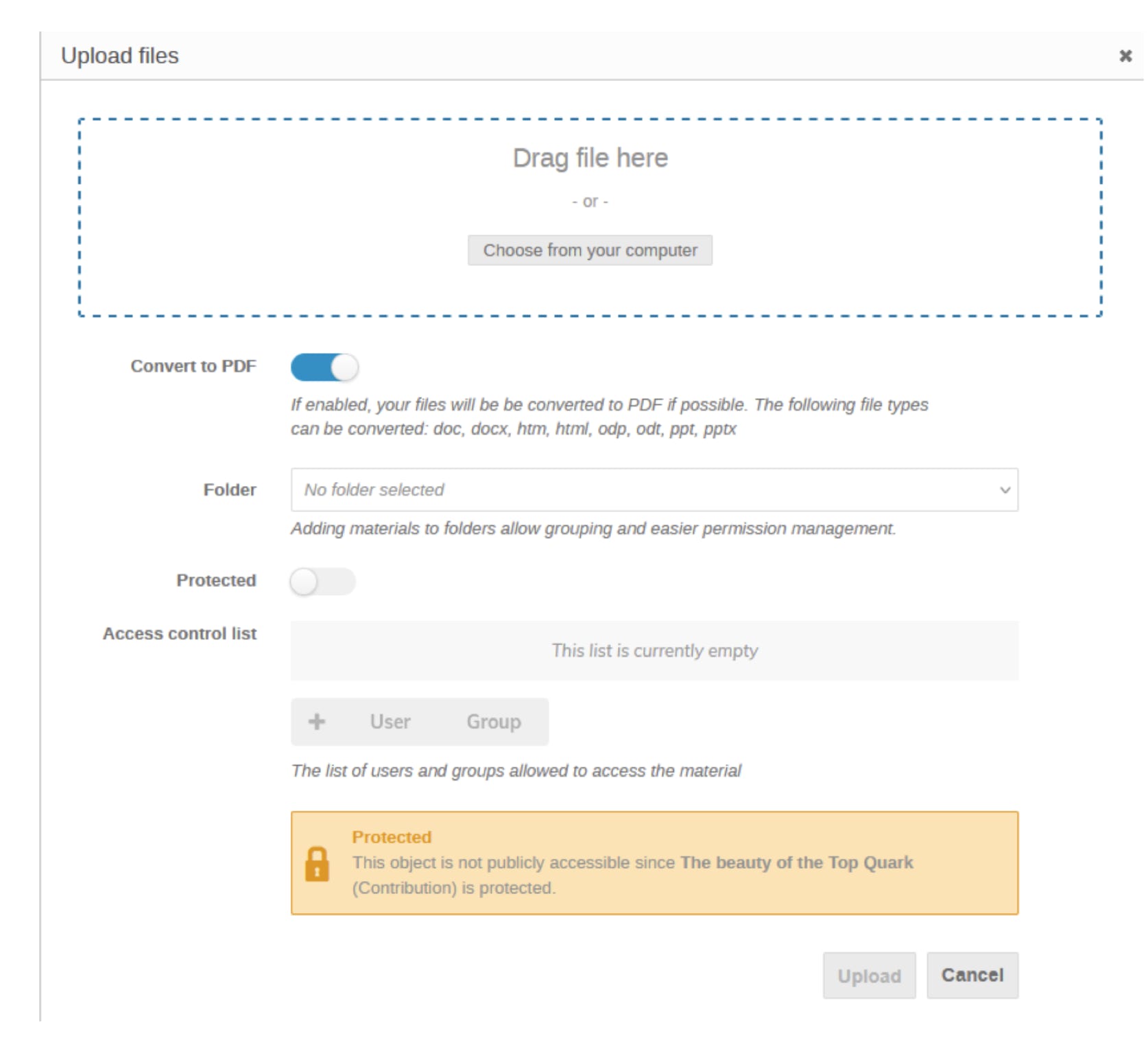
Drag the file or select “choose from your computer”. Then click “Upload”.
Note: if your slides contain brand-new results which you would not like to be seen by participants of the conference until after the session, you can click on “Protected”. We do not recommend this as it is helpful for participants to have access to your slides during your session.
UPLOAD INDICO VIEW
Please upload your slides at least 1 hour before the session.
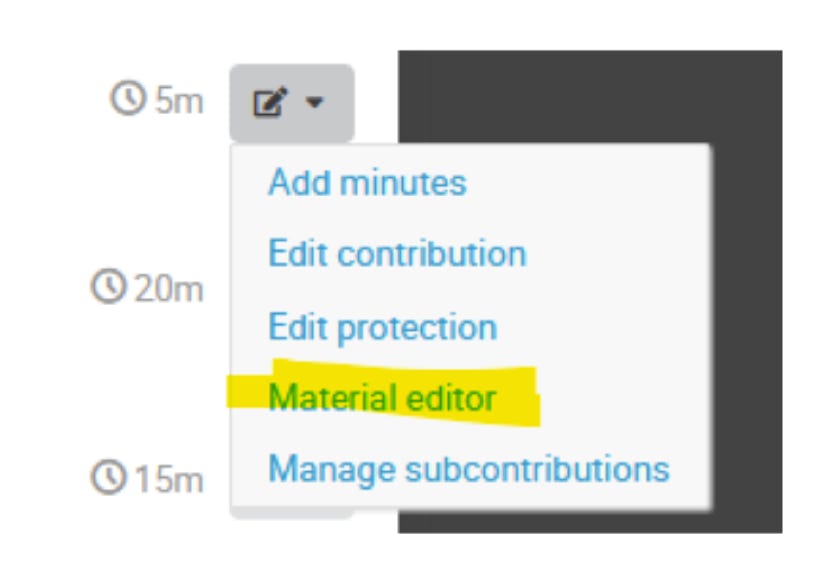
Go to the time table https://indico.cern.ch/event/1480248/timetable/ and find your contribution. Click on the pencil on the right and select “material editor”:
Click “Upload files”:
Drag the file or select “choose from your computer”. Then click “Upload”.
REMNANTS